
1
Step 1 of 7
Open Integrated apps in the Admin Center
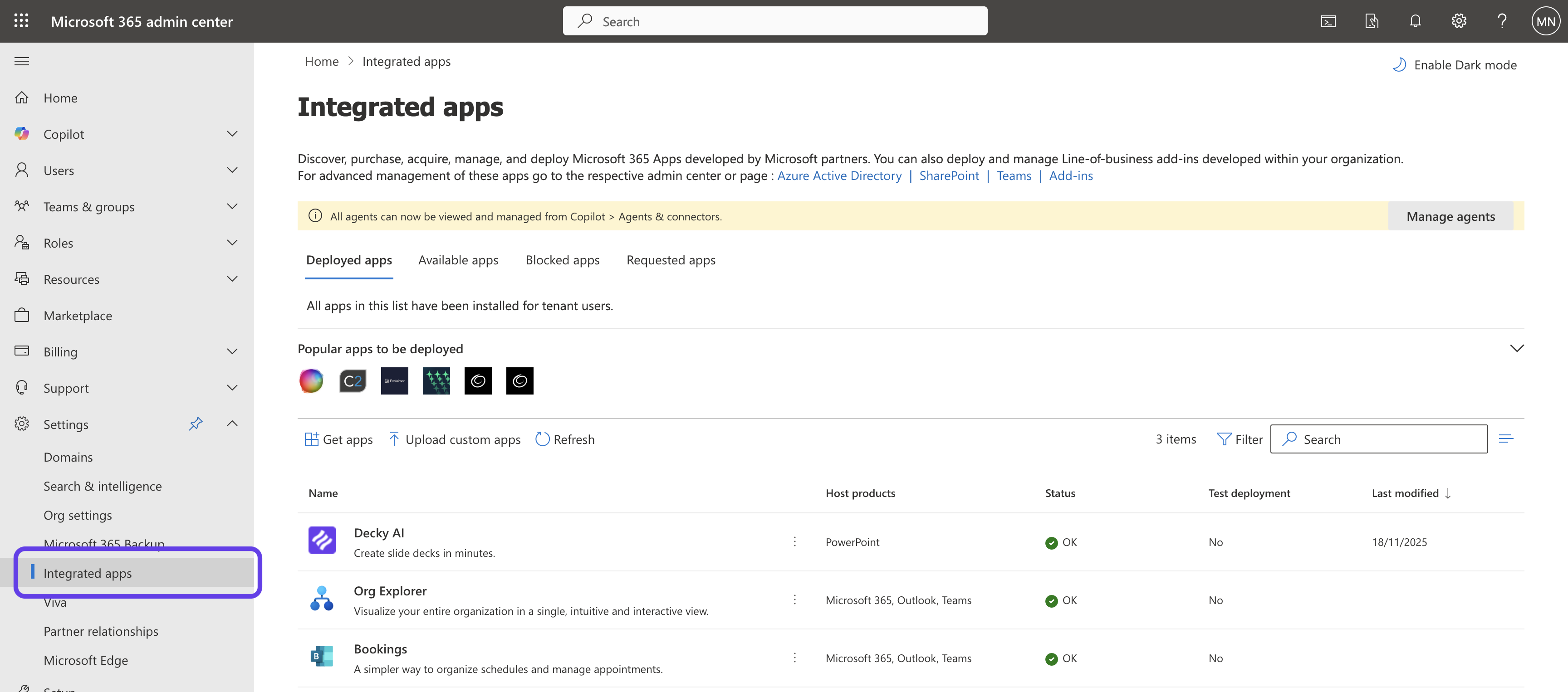
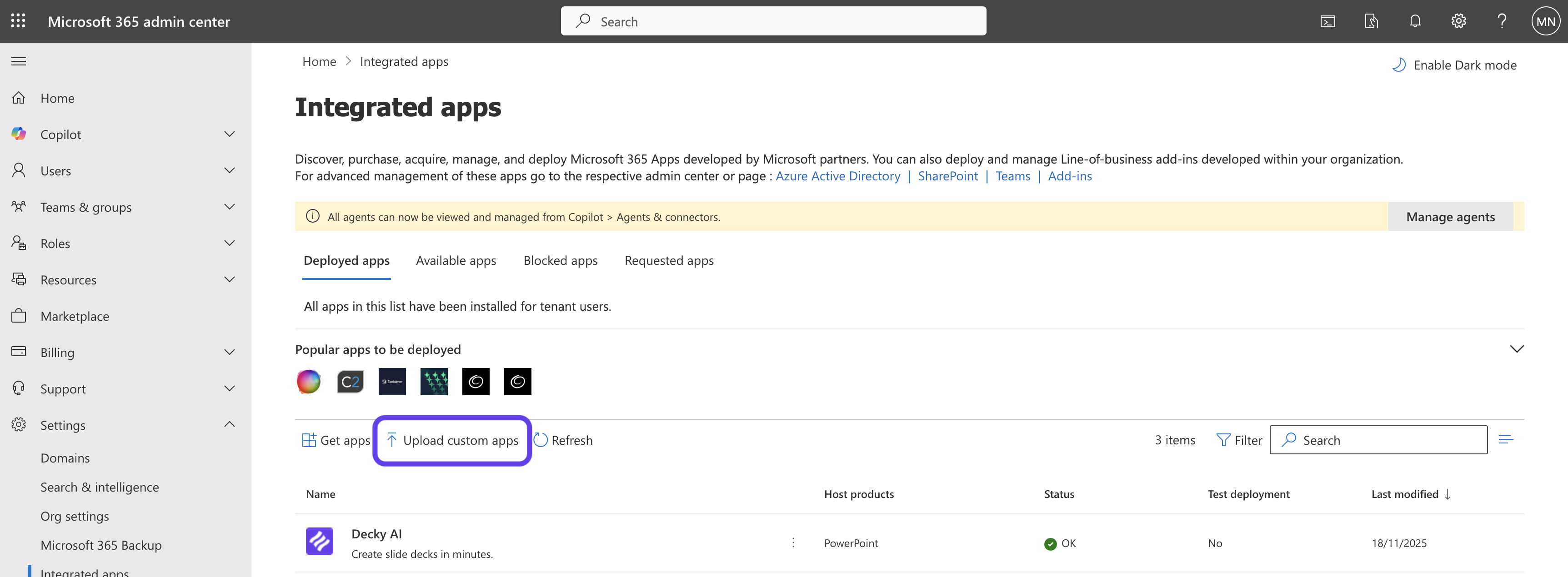
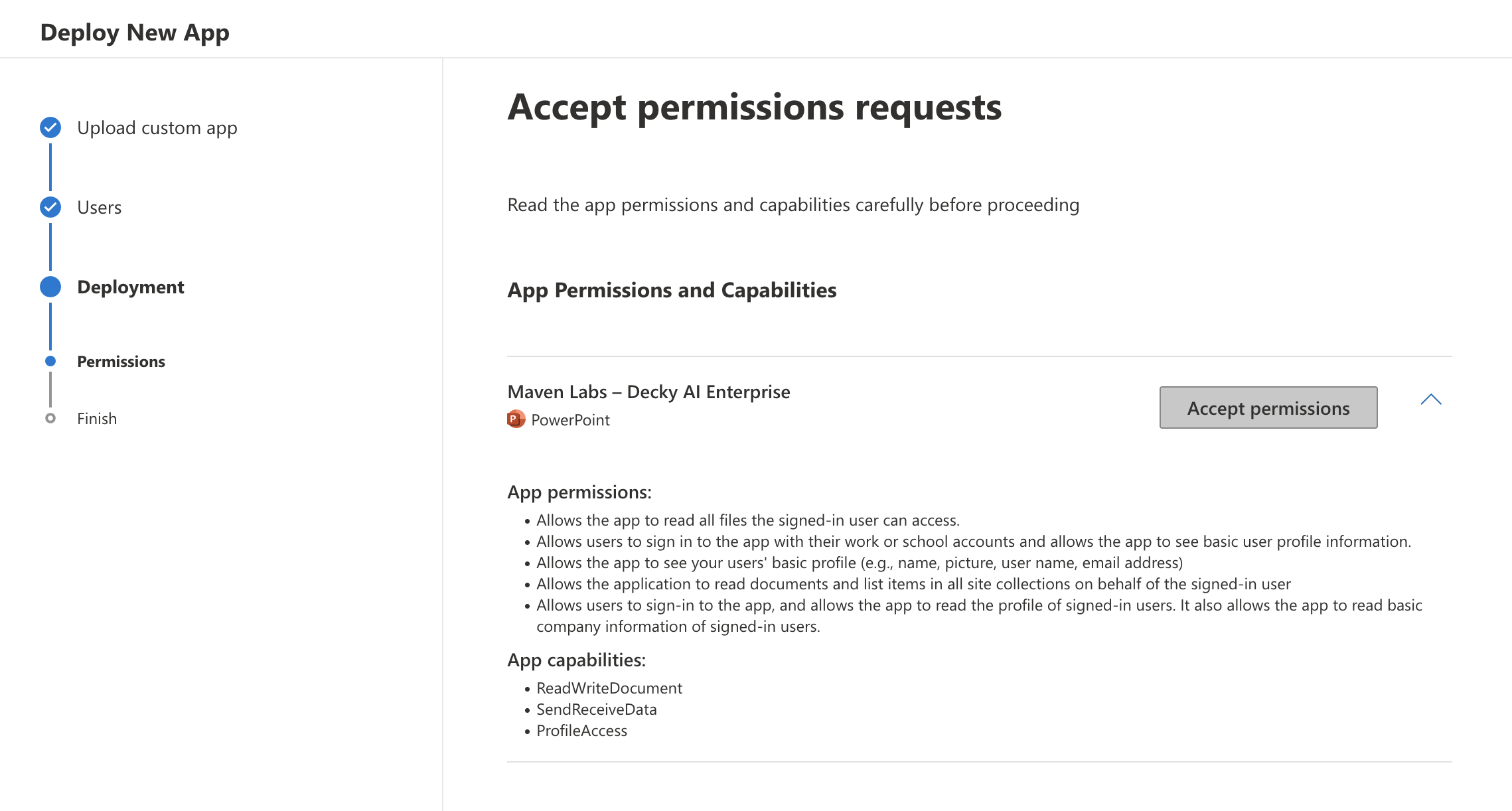
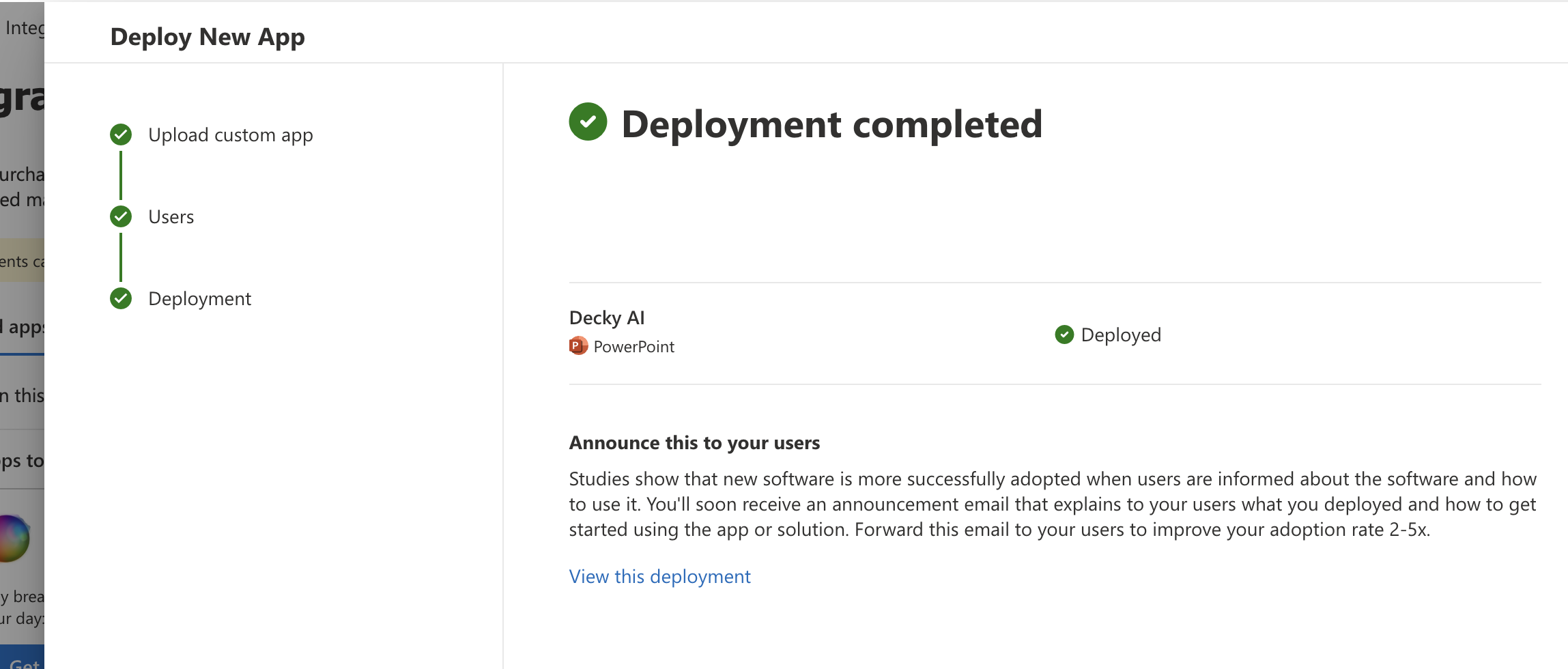
Sign in to admin.microsoft.com with a Global Administrator account, then navigate to Settings → Integrated apps. This is the central place where Microsoft 365 admins deploy Office add-ins, Teams apps, and other integrated experiences across their tenant.
Admin tip
If you don't see Integrated apps, you're likely signed in with a non-admin or scoped-admin role. You need Global Administrator to upload custom apps.