From a brief
to a finished deck
Book a demo 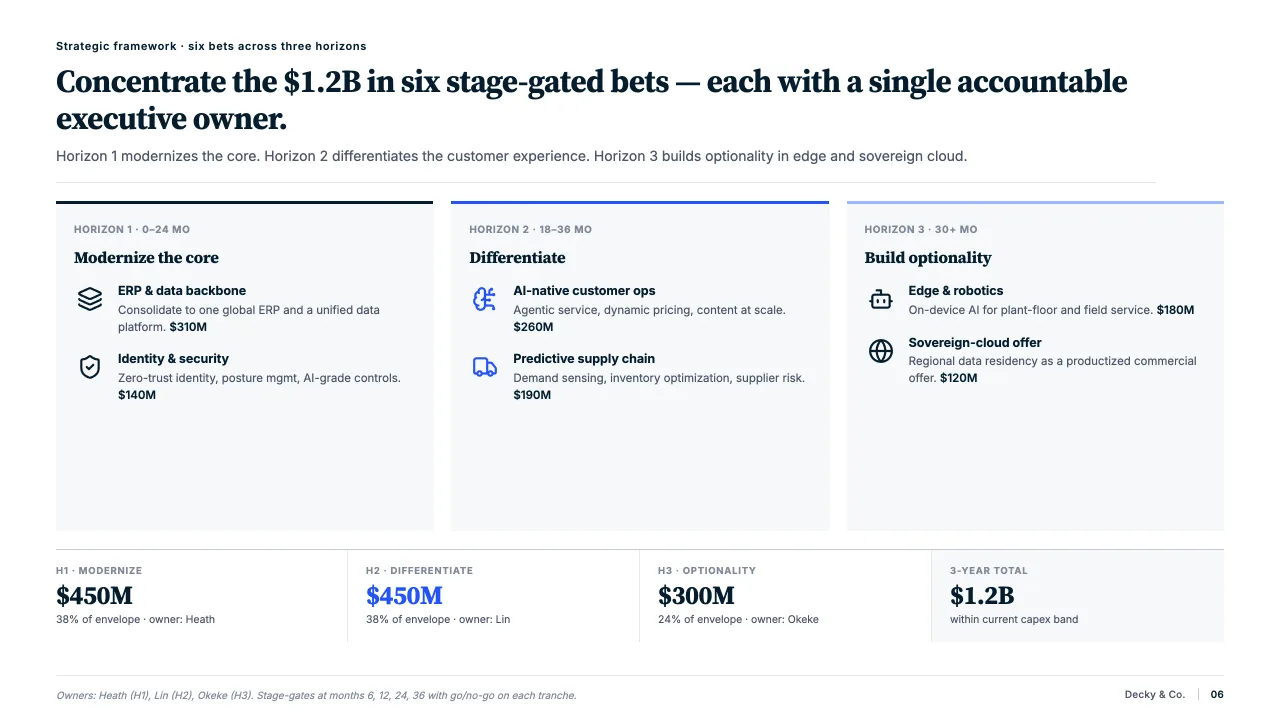

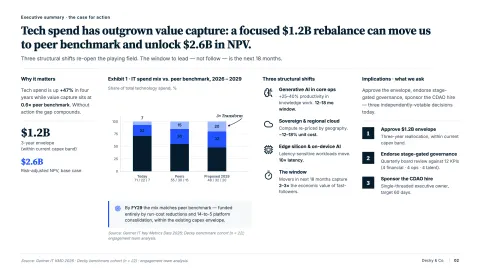
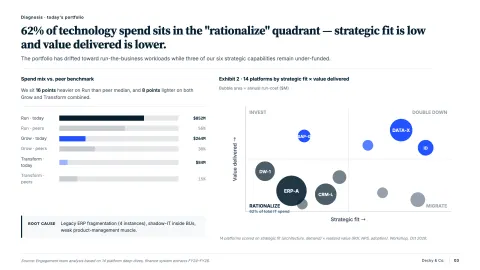
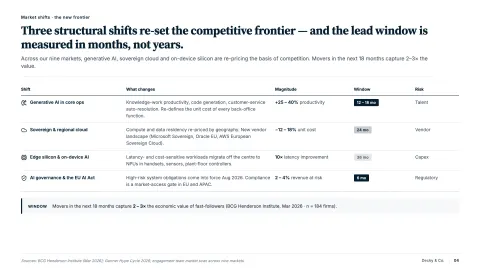
Storyline first
It lays out the sections and action titles the deck has to argue before it draws a slide.
On your master
Every slide uses your template’s layouts, fonts and colours, so it looks like the rest of the deck.
Sourced, then reviewed
Figures carry their source, and every slide waits in the change panel until you accept it.
The first draft of a deck, without the blank page
A deck usually starts as a brief, a memo and a model, followed by a long evening of empty layouts. Most of that time goes on structure and placement, not on the argument.
Decky AI drafts the storyline from your material, writes the action titles and builds each slide on your master. You spend your time on what the deck says.
How it works
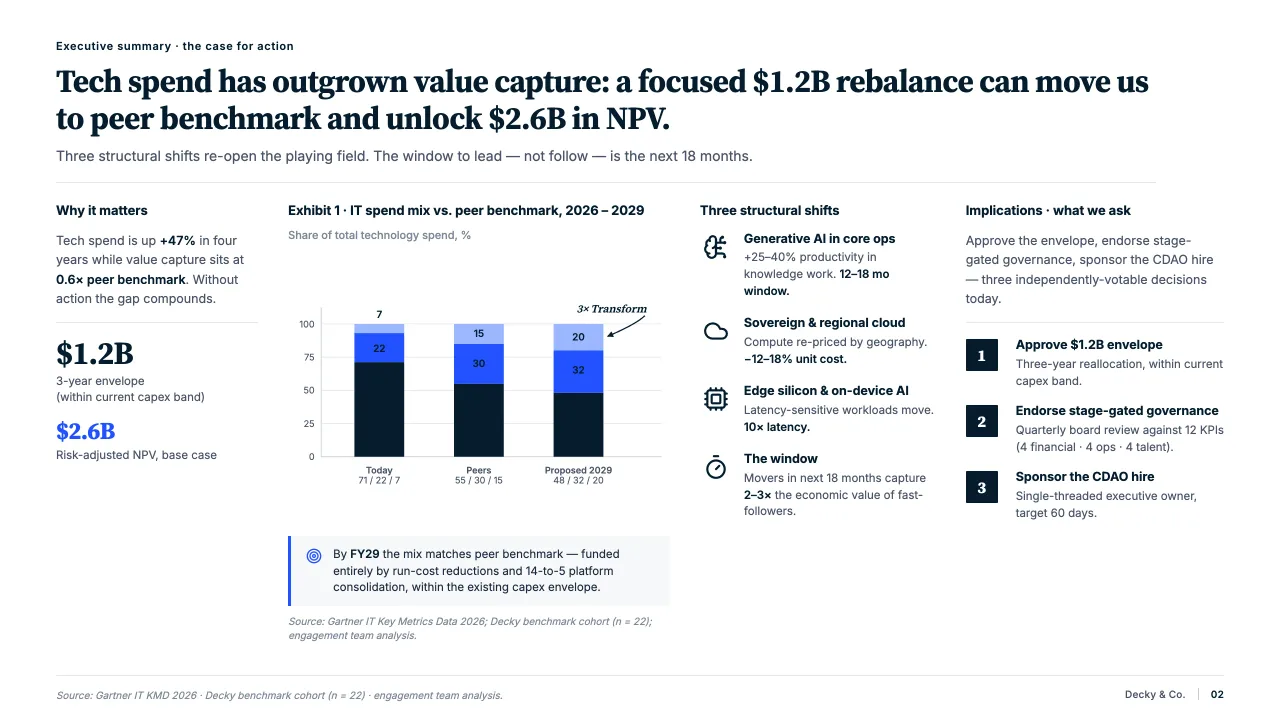

Start from what you have
- A topic, an outline, rough notes or a whole document.
- Word, PDF and Excel files are read down to the page and the cell.
- Ask for web search and the sources come with the figures.
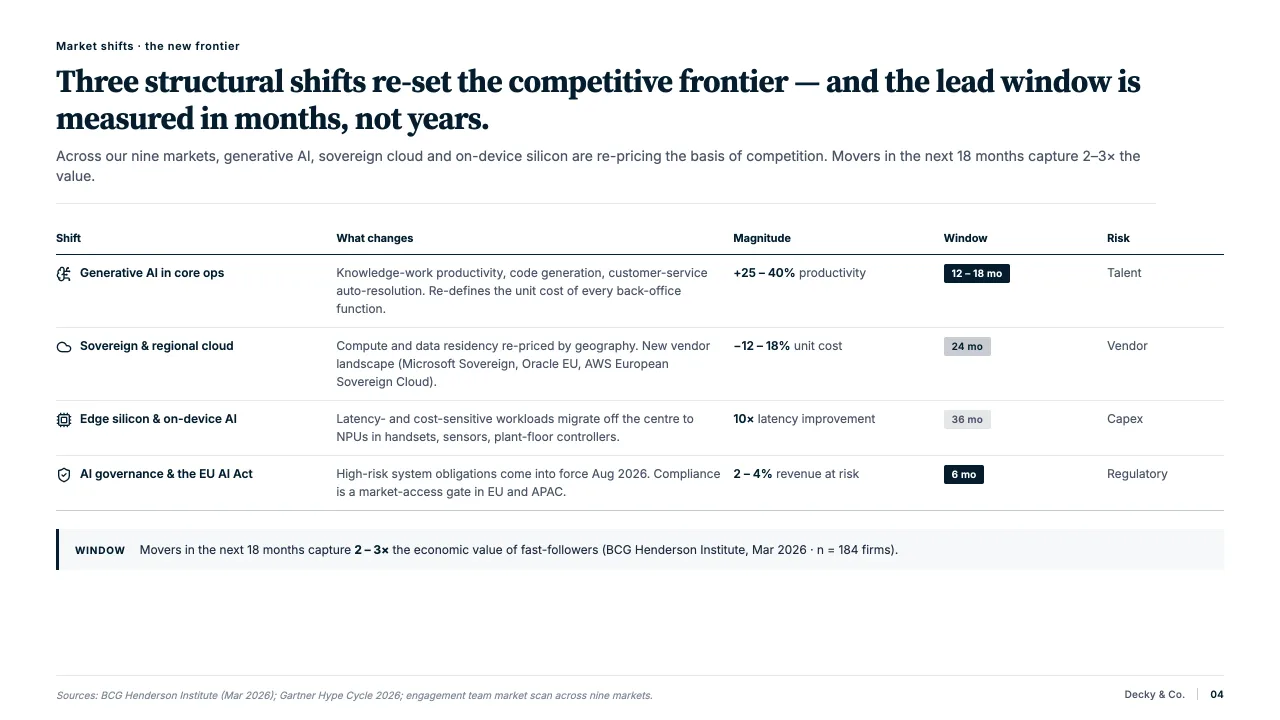
A storyline before a slide
- It starts from what the deck has to argue, not from a blank layout.
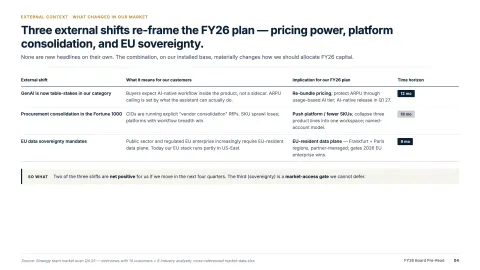
- Each slide gets an action title that states its point.
- Change the order or the wording before anything is drawn.
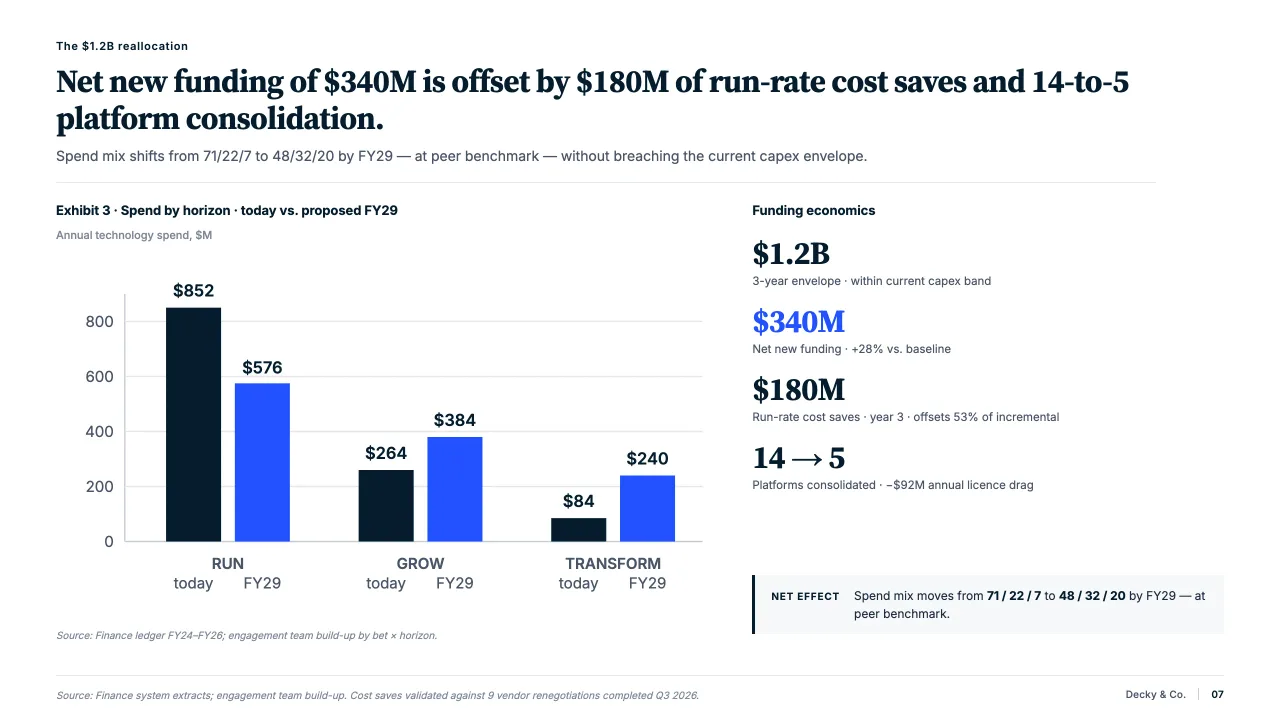
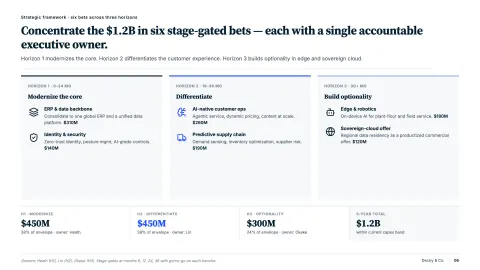
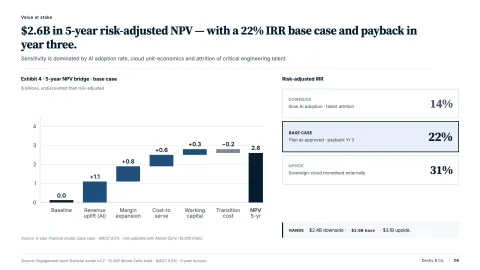
Drafted on your master
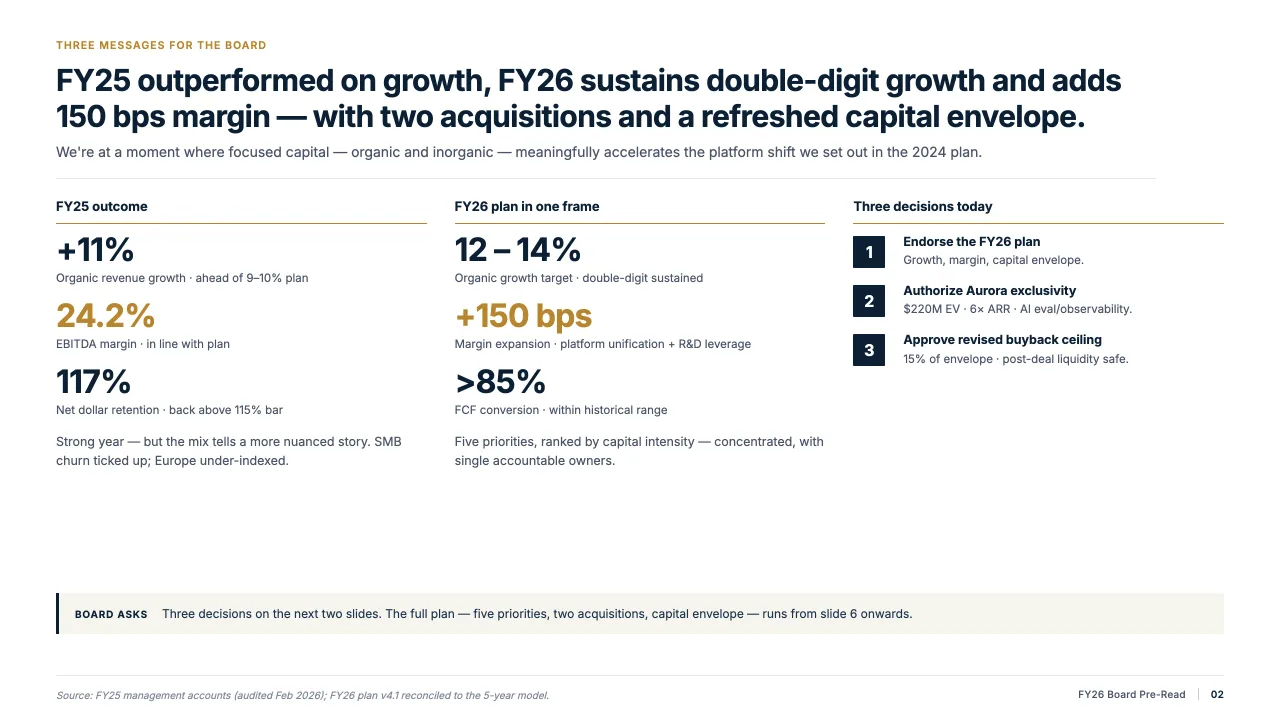
- Every slide is built from your template’s own layouts, fonts and colours.
- Charts, tables and icons arrive as objects you can edit in PowerPoint.
- The finished slides wait in the change panel until you accept them.
“Decky AI is one of the best AI presentation tools for consultants working in PowerPoint.”

Paul MossFounder, Analyst Academy
FAQs
01What can I start from?
A topic, a rough outline, plain notes or a document. Point Decky AI at a Word file, a PDF or an Excel model and it pulls the key arguments into slides.
02Does it use our template?
Yes. Every slide is built from the layouts, fonts and colours of the master in the file you have open, so new slides look like the rest of the deck.
03Where do the numbers come from?
From the files you give it and, when you ask, from web search. Figures land on the slide with their source, so a reviewer can see where each one came from.
04Can it add icons, images and charts?
Yes. It finds style-matched icons, generates images from a description and builds charts and tables that stay editable in PowerPoint.
05Does it change my deck straight away?
No. Every new or edited slide waits in the change panel. You accept it, reject it, or ask for another version.
06How many credits does a slide use?
10 credits per slide created or edited in fast mode, 20 in smart mode. Reading your files and planning the storyline are free.
Draft your next deck with Decky AI.
Try it on your next deck, or book a demo and we will walk you through it.