Board updates that hold up to the board
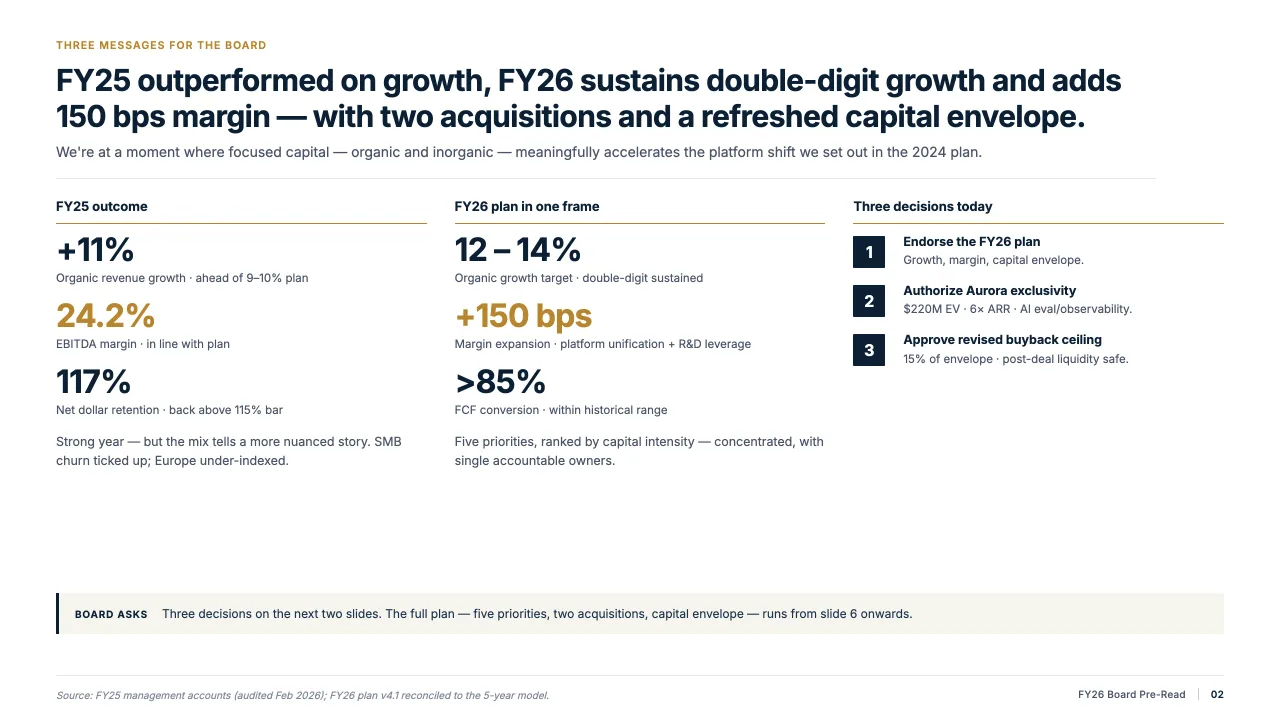
Decky AI for corporate strategy and corporate development teams. Strategic plans, board materials and M&A cases drafted on the company template and checked before they go up.
On the company template
Every slide built from the corporate master, so the strategy team's pages look like the rest of the board pack.
From analysis to storyline
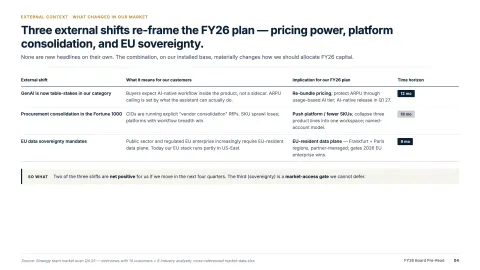
Give it the plan, the research and the numbers. It sets out the storyline and action titles first.
Sources on the page
Market data from the web and figures from your files carry their source, so the board can see where each came from.
Strategy work ends up in front of the board, and the board reads the slides.
The strategic plan, the M&A case and the quarterly update all go through PowerPoint, usually the night before. The analysis is sound; the deck is rebuilt by hand around it.
Decky AI drafts and formats those slides inside PowerPoint, on the company template. Your team spends its time on the choices the board has to make.
The decks you produce,
and the files they start from.
-
Strategic plans
The long-range plan as a storyline with action titles, drafted on the company master.
-
Board and executive committee materials
Updates in one format, with figures and units checked across the pack.
-
M&A cases
Rationale, market and target overview drafted from your analysis, ready for the steering group.
-
Market and competitor reviews
Market data and statistics from the web, with the source cited on the slide.
-
Business plans and budgets
Read down to the tab and the cell, so the figures reach the slide as on-brand tables and charts.
-
Strategy memos
The argument of a memo or a plan turned into slides, with the key points as action titles.
What Decky AI does for a strategy team
Slide creation
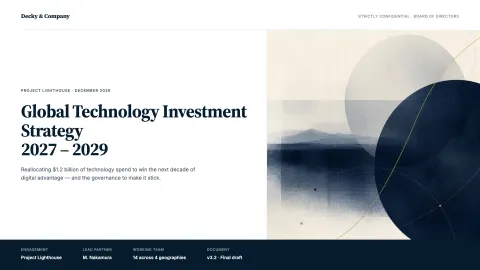
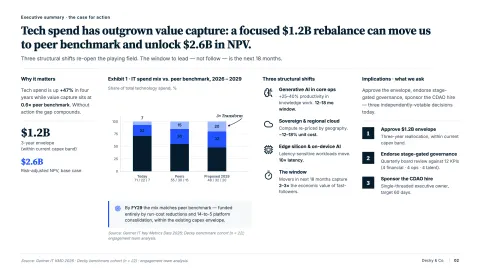
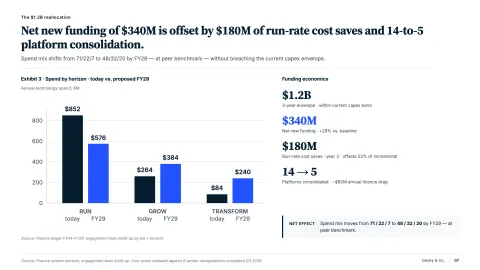
Explore Slide creationTurns a strategy memo or a plan into a storyline with action titles and drafts each slide on the company master.
Formatting
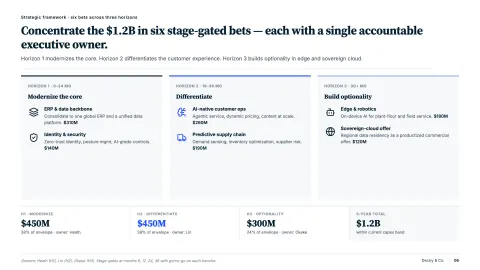
Explore FormattingBrings pages from different teams onto one grid and one type hierarchy before they go into the board pack.
Content check
Explore Content checkChecks numbers, units, currencies, citations and tone across the pack before it goes to the board.
Slide Library
Explore Slide LibraryKeeps the company overview, the strategy house and recurring KPI pages ready for the next update.
“It turns raw numbers into clean, client-ready visuals instantly.”
FAQs
01Does it work with our corporate template?
02Can it bring in market data?
03Can our IT department roll it out?
04How is our material handled?
05Does it change slides without asking?
Build your next board update with Decky AI.
Try it on your next deck, or book a demo and we will walk you through it.