Your best slides,
ready to reuse
Book a demo 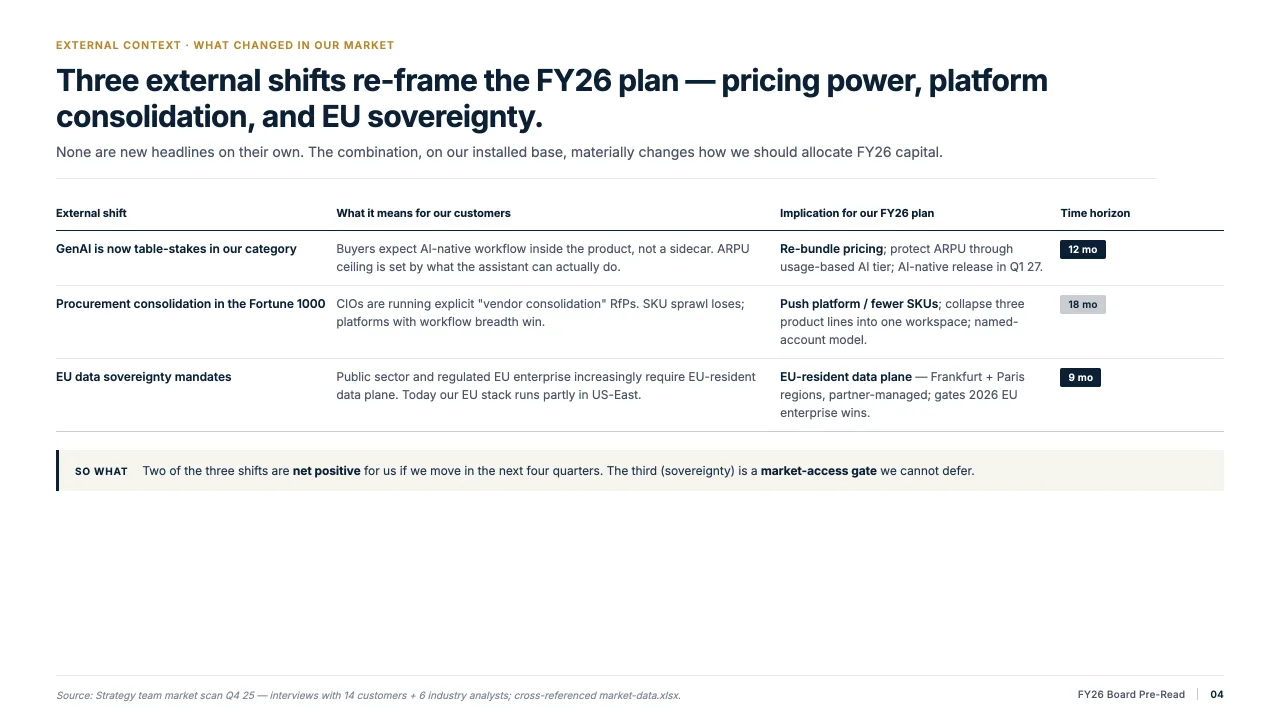
Save once
Keep a slide with its layout, styling and content intact, in one click.
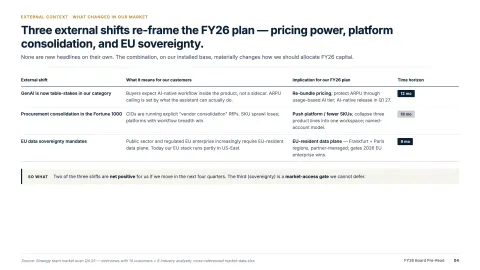
Find it in seconds
Search by topic instead of digging through last quarter’s decks.
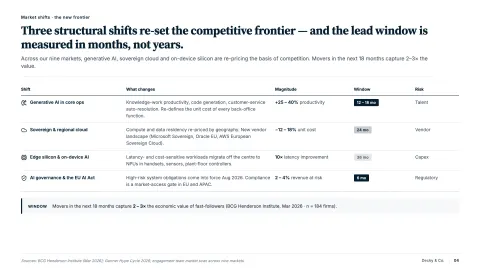
Fits any deck
Insert it and Decky AI re-applies your current master, so it matches the slides around it.
The slide you made last quarter, without the search
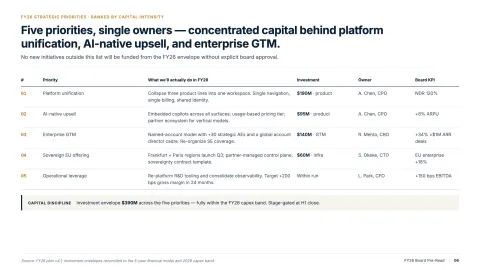
Every team has slides it rebuilds again and again: the market map, the team page, the disclaimer. The good version sits in a deck nobody can find.
The Slide Library keeps those slides in one private place. Find one by topic and drop it into the deck you are working on, on the right master.
How it works
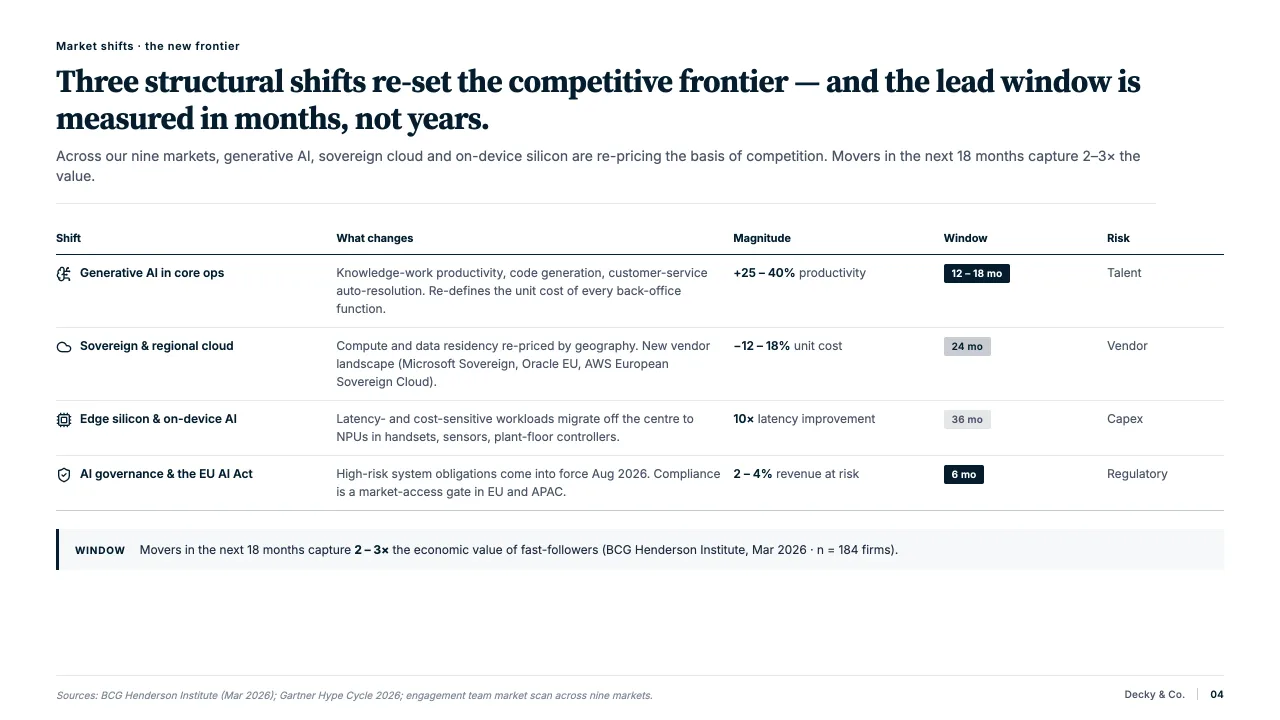
Save any slide
- One click stores a slide with its layout, styling and content intact.
- The market map, the team page, the disclaimer you reuse every week.
- Saved slides are private to you, can be deleted at any time and are never used to train a model.
Find it in seconds
- Search by topic or browse your collections.
- No need to remember which deck a slide came from.
- The slide you need is in the task pane, not in a folder from last year.
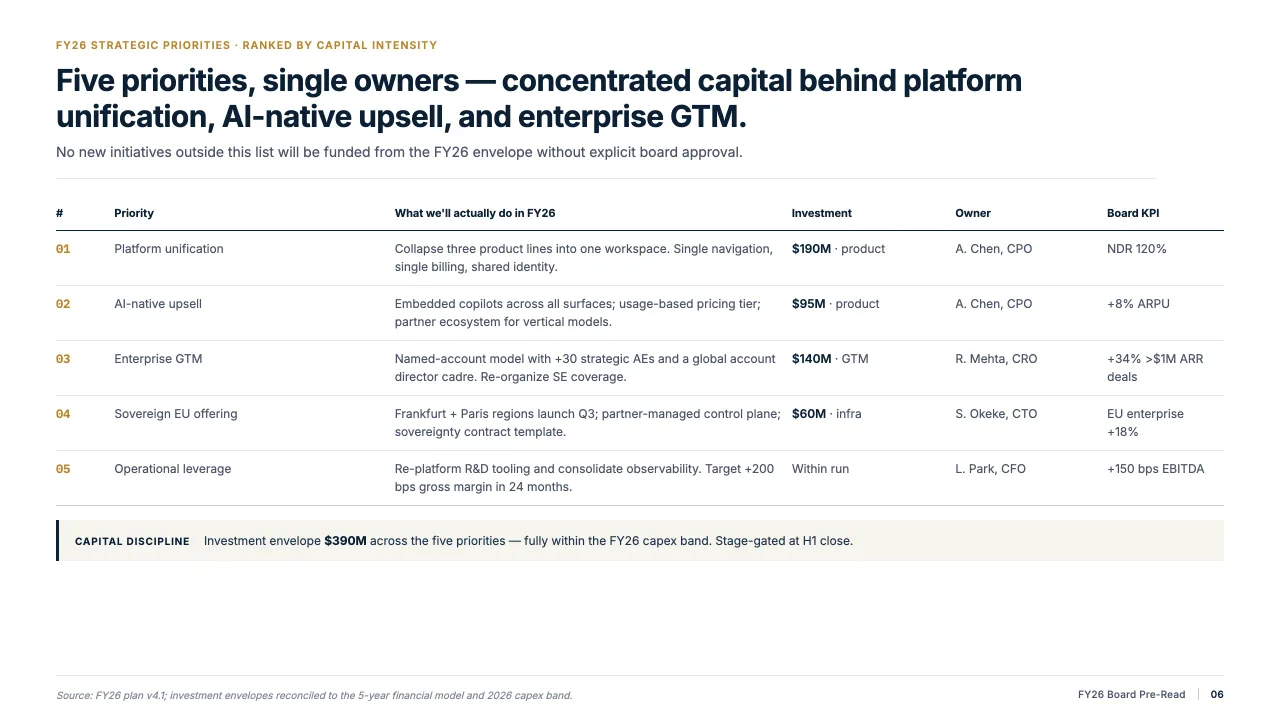
Fits the deck you are in
- Insert a saved slide and Decky AI re-applies the master of the open deck.
- Fonts, colours and layout match the slides around it.
- On Enterprise, a shared organisation library holds up to 1,000 slides.

“Since we adopted Decky AI across the team, our junior consultants create polished decks in under 30 minutes. Previously it took them hours.”
Senior Strategy Consultant
FAQs
01What is the Slide Library?
A private place for your best slides. Save a slide with its layout, styling and content intact, then reuse it in any deck.
02How do I find a slide again?
Search by topic or browse your collections. You do not need to remember which deck it came from.
03Will a saved slide fit my current deck?
Yes. When you insert it, Decky AI re-applies the master of the deck you have open, so it matches the slides around it.
04How many slides can I save?
20 on Free, 100 on Starter, 200 on Pro, and 500 on Max, Business and Enterprise. Enterprise teams also get a shared organisation library of up to 1,000 slides.
05Who can see my saved slides?
Only you, unless you are on Enterprise and save to the shared organisation library. Saved slides are stored privately and can be deleted at any time.
06Are saved slides used to train a model?
No. Saved slides are never reused or added to model training.
Start your Slide Library.
Try it on your next deck, or book a demo and we will walk you through it.