Introducing the Slide Library: stop rebuilding the slide someone already made
Every firm loses its best slides inside old decks, because finding one is slower than making it again. The Slide Library saves any slide with its styling intact, describes it for you, searches it by meaning rather than file name, and drops it into your current deck on the current template.
It is 11pm, the client call is at 9, and you are rebuilding a market sizing slide you know someone on
your team built last quarter. It is somewhere in a deck called final_v7 on somebody’s drive.
Rebuilding it from scratch is faster than finding it.
The rebuilding is not the problem. The calculation is. Once searching costs more than recreating, a firm quietly loses every good slide it has ever made, and keeps paying for them one evening at a time.
Why the best slides get lost
Three things break slide reuse, and they compound.
Slides do not exist as objects. They live inside decks, and decks are named after engagements, versions and dates rather than after what is on page 14. Nothing in that naming survives contact with the question you are actually asking, which is “where is the good market map”.
Even when you find it, the slide does not travel. Copy it across and it arrives carrying the fonts, colours and spacing of the deck it came from, so you spend twenty minutes repairing what you saved five minutes finding.
And the knowledge stays personal rather than institutional. The strongest structures live in the folders of whoever built them, which means the rest of the firm cannot benefit from work it has already paid for.
What the Slide Library does
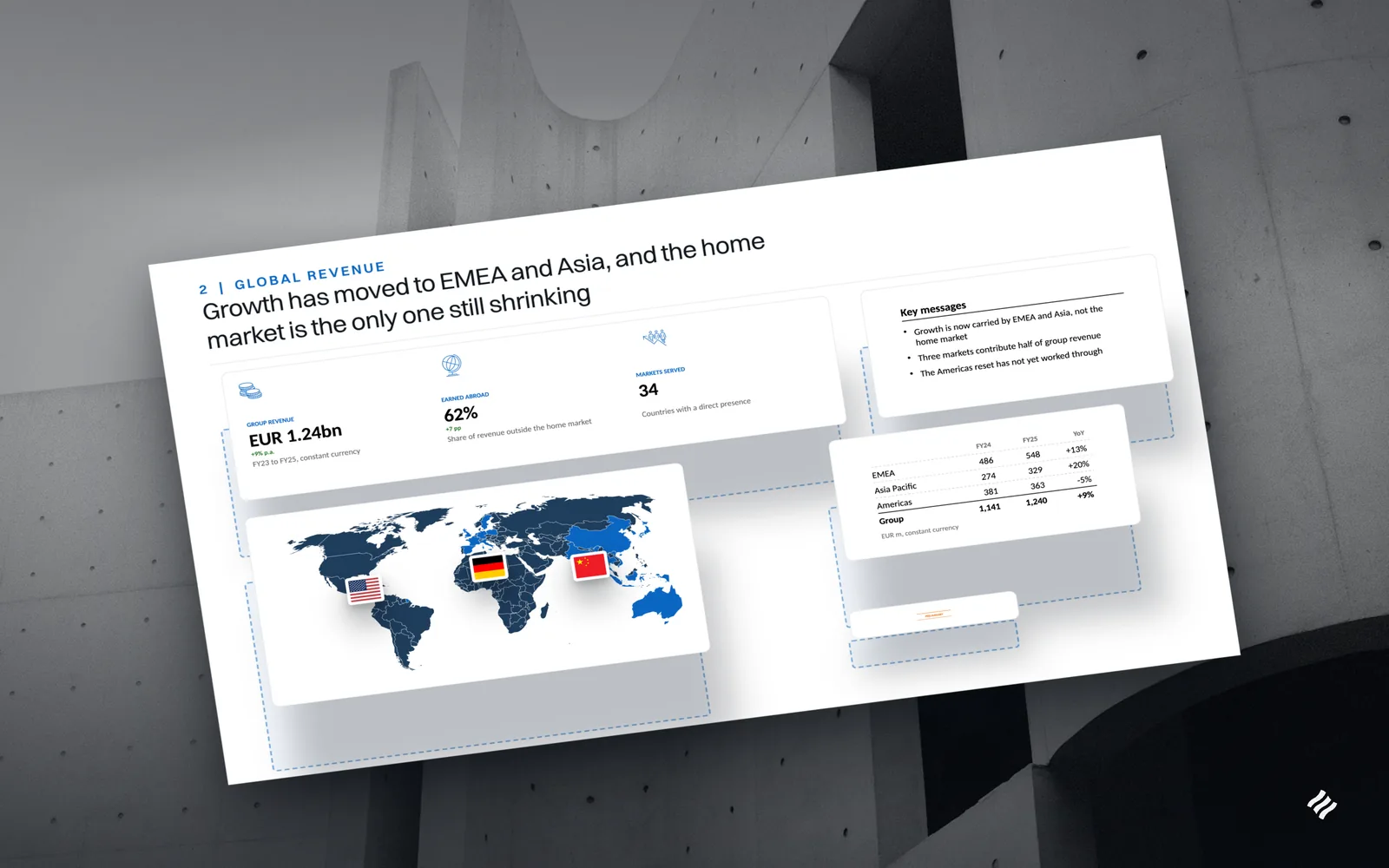
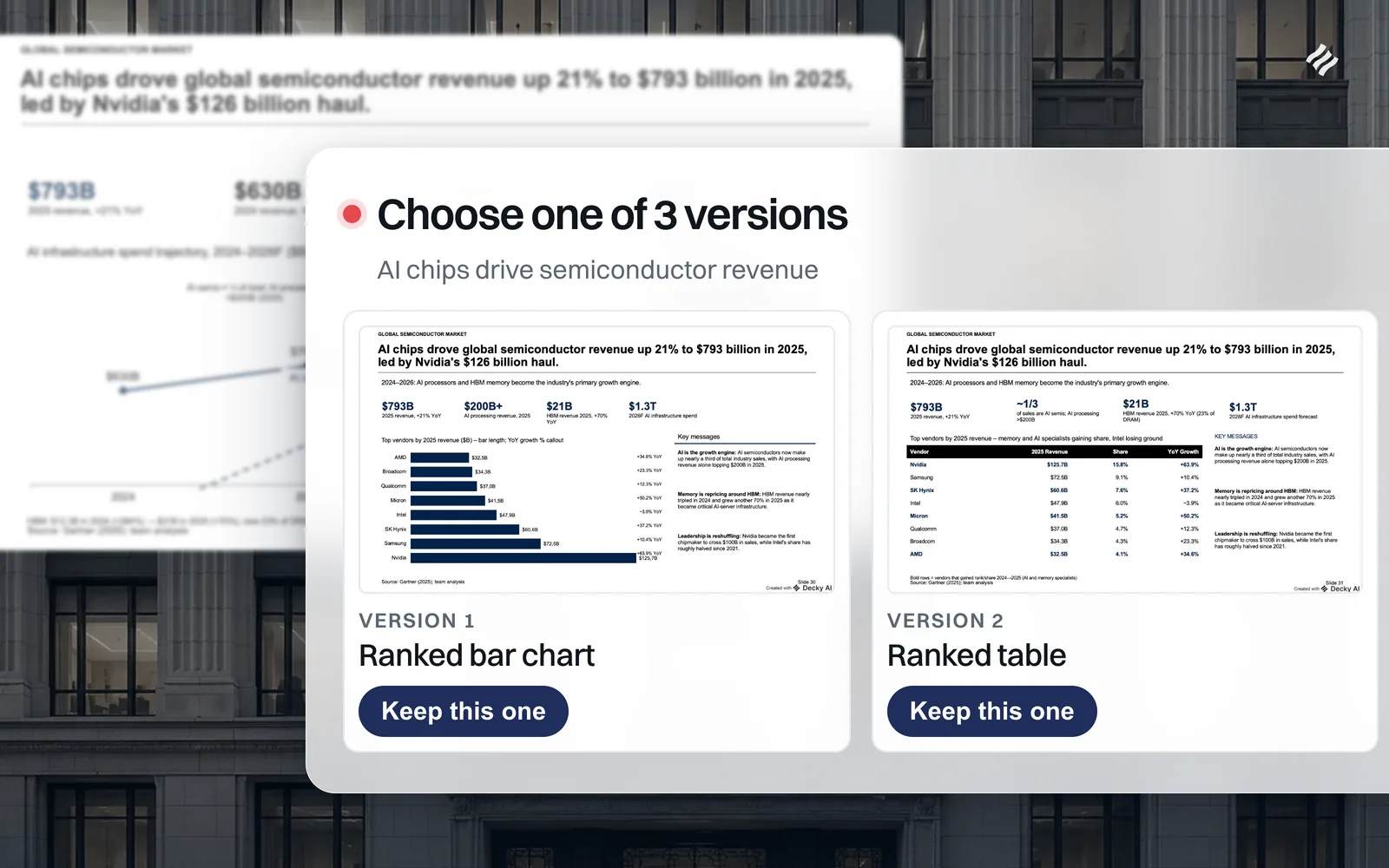
Saving is one click, and you do not fill in a form. A slide goes into your library with its layout, brand styling and content intact. Decky then reads the slide, both its text and a rendered image of it, and proposes a title, a short description, a category and tags. They arrive pre-filled and editable, so the choice is accept or adjust rather than invent.
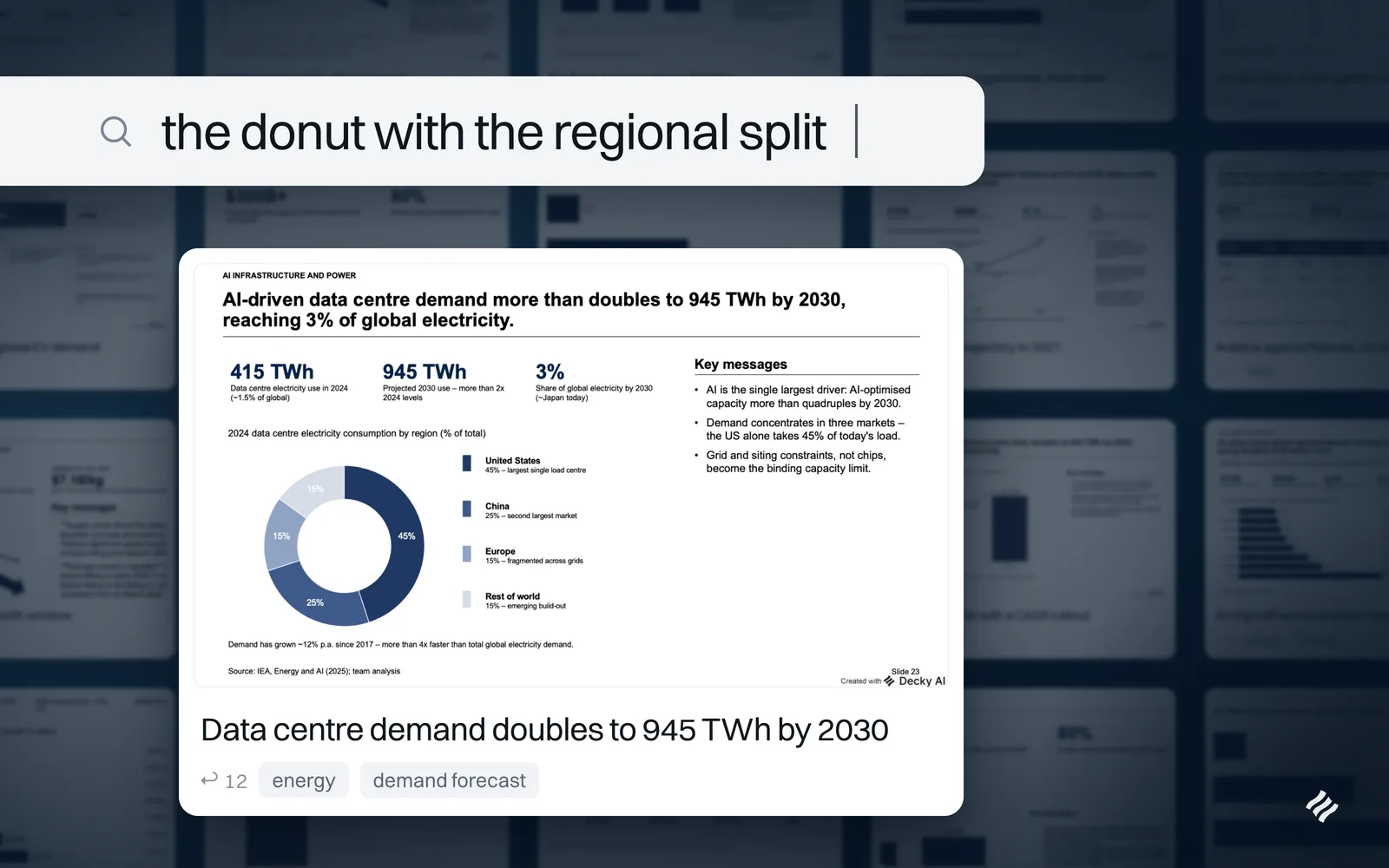
Finding runs on meaning, not file names. Search combines two rankings: ordinary keyword matching over the title, description and tags, and similarity over an embedding of the slide itself. The two are fused, so a slide surfaces if either signal is strong. In practice that means searching for “market” returns the market sizing page even when its title never contains the word, and a half-remembered phrase is enough to find something again. Collections sit on top when you would rather browse than search.
Reusing puts the slide on the current template. Insert from the library and PowerPoint applies the destination deck’s theme, so the fonts and colours become the ones you are working in. If a slide should keep exactly the look it was saved with, a recurring disclaimer for instance, one option preserves it.
Whole decks can go in at once. Save the open presentation, or a selection from it, in a single pass. The slides stay individually searchable afterwards, so a saved deck becomes a set of reusable pages rather than an archive you have to open.
A firm can share what works. On Enterprise, an administrator can promote a slide out of a personal library into a shared one that everyone can browse and insert from. That is the mechanism by which a good structure stops living in one senior person’s folder and starts belonging to the firm.
What changes
The obvious gain is the evening you do not spend rebuilding a page that already existed. The more interesting one arrives later.
A library makes good slides compound. Every strong exhibit a team produces raises the floor for the next engagement instead of decaying inside an old deck, and a new joiner’s first draft can start from the firm’s best work rather than from a blank page. Reuse also becomes the cheap path rather than the principled one, which is what makes it actually happen under deadline.
And because a reused slide lands on the deck you are working in, consistency stops depending on anyone remembering to fix fonts at midnight. The slide arrives looking like the deck it is joining. The same is true one level down: Components does this for the blocks a page is built from, the columned comparison and the 2x2 and the panel of key messages, generating each one into your template rather than storing a picture of it.
Less formatting, more story.
See it working
Press play on the image at the top of this page for the full walkthrough, from saving a slide to searching and inserting it. It is also on YouTube as Slide Library: never build slides from scratch again.
You can try the Slide Library against your own deck, or book a walkthrough and we will set it up against your own template.

Maximilian Nitsche · Founder, Decky AI
I built Decky AI so anyone can put an MBB-level slide together and still be done before 8pm. I write here about the craft of consulting decks, and about what we ship.