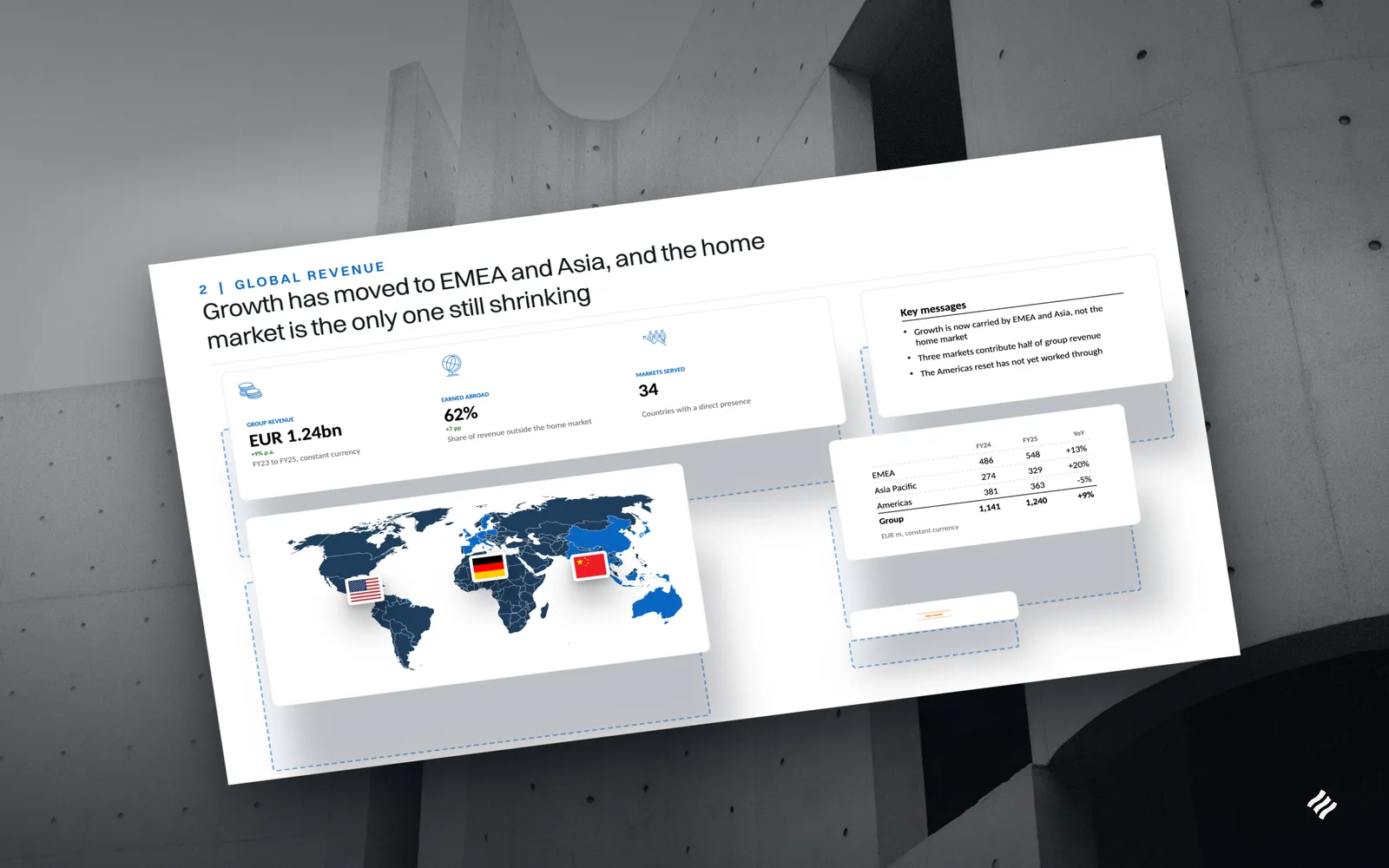
Introducing Decky MCP: consulting-grade slides from inside your AI assistant
Decky now works inside Claude, Cursor and other AI assistants through MCP. Ask for a slide, hand it your Excel file, have it build the whole deck or fill one from the Decky library, and get back a real PowerPoint file in your own template.
It is four in the afternoon and the analysis is done. You have spent the last hour in Claude working through the market model. The sizing holds up, the owner survey says what you hoped it would, and the storyline is sitting right there in the chat. All that is left is to put it on slides.
That is usually where the conversation ends. Ask an assistant for a slide and you get a table in the chat, a block of bullets to paste somewhere, or a file in Calibri on white that no partner would let near a client. So the thinking stays in one window and the deck gets built by hand in another.
Your AI assistant can do the analysis. The slide is where it stops.
Assistants are very good at reading, reasoning and drafting. A consulting slide is a different kind of object. It has an action title that states the finding, an exhibit that proves it, a source line, and it sits in the client’s master with the client’s fonts and colours. None of that is hard to describe and all of it is slow to build, which is why it ends up being the part of the evening nobody plans for.
Decky has been doing that work inside PowerPoint for a while. Decky MCP brings it to the assistant you are already talking to.
What changes when Decky is connected to Claude
MCP, the Model Context Protocol, is the open standard AI assistants use to call outside tools. Connect Decky once and your assistant can hand it the work whenever a slide is the answer. You keep asking the way you already do:
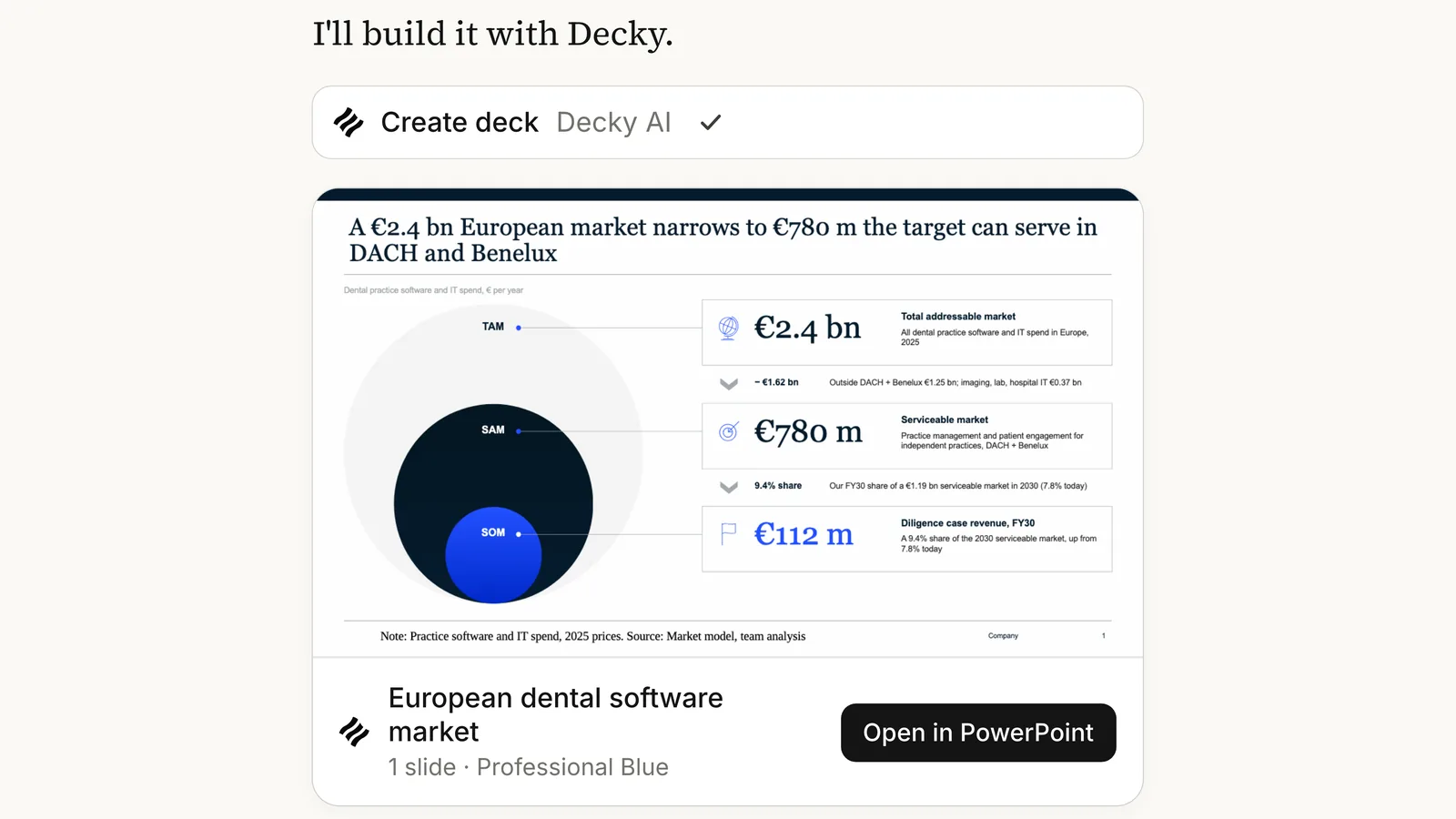
- A single slide. “Make a slide on the European dental software market.” The assistant passes the brief on, Decky builds the page, and a card in the chat shows it coming together.
- A slide from your own file. Drop the owner survey into the chat and ask for a slide on why dentists switch. The assistant reads the spreadsheet and passes the figures on. Decky quotes them exactly and builds the chart from that data, without ever seeing the file itself.
- A whole deck. Ask for an 18-slide board strategy review for your client. Anything from one slide to forty works the same way, and the card in the chat shows each slide as it lands.
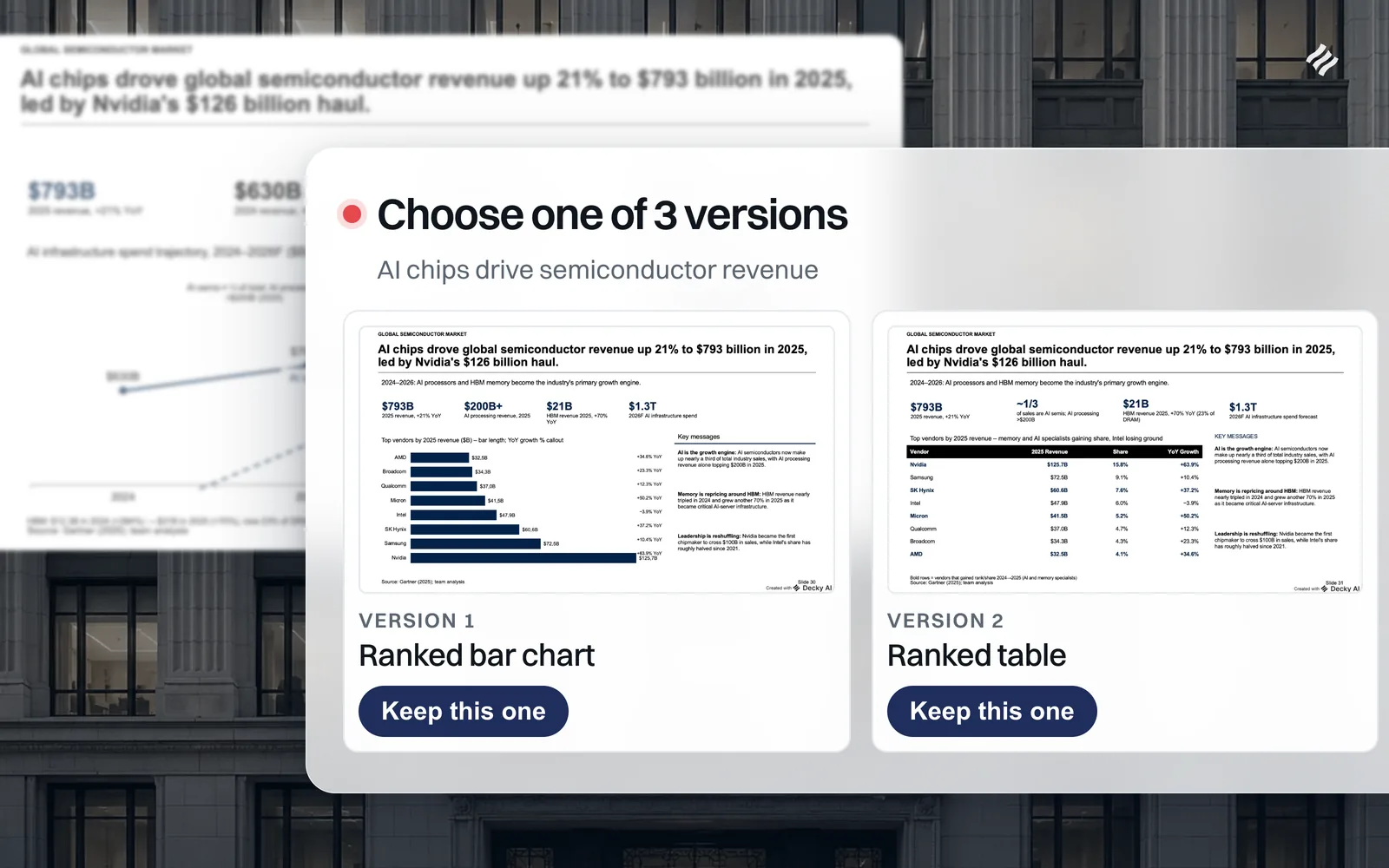
- A deck from the Decky library. Ask for a due diligence deck and, in Claude, the library opens as a picker right in the chat, with previews of the decks and slide templates that match. Pick one and Decky fills it with what is already in the conversation. Where the material is missing a fact, the slide says “to confirm” instead of inventing a number.
The library is the same one the add-in draws on, which we wrote about when it launched in Introducing the Slide Library. Starting from a deck someone already structured well is often the fastest route to a good one, and now that starting point is a sentence away in the chat.
Why it comes back as a PowerPoint file in your template
Everything Decky makes is a real .pptx, not a picture of a slide. Upload your company master on the Decky dashboard and every deck comes out on it, with your fonts, colours and layouts. Without one, Decky uses one of its built-in masters. The slides are native PowerPoint shapes you can keep editing, and slides built from the library carry real PowerPoint charts filled with your numbers. Open it, change a word, move a box, send it.
That is the reason to do this through Decky rather than asking the assistant to write the file itself. The assistant brings the thinking. Decky brings the slide standards it already applies inside PowerPoint: the action title, the exhibit chosen for the point being made, the source line, the deck’s own master. You get to stay in the conversation where the analysis happened, and the deck that comes out of it still looks like it came from your team.
If you would rather work in the open deck, nothing changes there. The Decky add-in still does all of this inside PowerPoint, and the two share the same library and the same masters.
Set it up in five minutes
Decky MCP works in Claude, on the web, in Claude Desktop and in Claude Code, in Cursor, and in any
other client that supports MCP. In Claude, open Settings, go to Connectors, add a custom connector
with the server URL https://mcp.decky-ai.com/mcp, and sign in with your Decky account when Claude
asks. There is no API key to copy. The quickstart walks
through every client step by step, and the slide library guide
covers finding and filling library decks.
Decky MCP is in beta, so the tools may still change as we learn how people use them. If something does not work the way you expect, tell us at support@decky-ai.com.

Maximilian Nitsche · Founder, Decky AI
I built Decky AI so anyone can put an MBB-level slide together and still be done before 8pm. I write here about the craft of consulting decks, and about what we ship.